

Cloud, Local, or Hybrid Media Storage

How Should a Production Store its Media?
Five things decide where a production's media should be stored: access, size, security, backup, and budget.
- Access is the main driver, since it comes down to who can touch the media and from where.
- Size comes down to proper planning between post-production and production, noting cameras, codecs, and rasters.
- Security ties directly into access, since assets often need to be stored in a way that dictates the options for local and cloud storage.
- Backups tend to be an overlooked element until the end of a job, but should actively be considered and planned for the moment media offloads from cards.
- Budget is the place that gets the most attention, and though important, the arguments from the four points before it tend to justify where a budget should land.
What Decides Where Media Lives?
Access is the main driver for where media goes. Who needs the media, and from where? Is there a facility at play with multiple workstations accessing media? A one room edit suite? Remote editors or combo of any of those situations? The number of concurrent users, workstations, and their whereabouts are a major deciding factor in the type of storage to look into.
Budget is another important number to consider, and it's the first number most productions reach for, and yet the least complete answer on its own. The budget for media storage should at a minimum consider total capacity, users, and redundancy. Budgets can vary greatly with storage solutions of similar capacities, but varying degrees of performance. The workflow that's specific to your production's needs should be determined first, before the budget conversation even begins.
The Case for Cloud Storage
Cloud filespaces earn their keep on distributed access. A remote colorist, an editor cutting from a hotel, and a producer three time zones away can all pull from the same project without a drive changing hands. LucidLink has made this close to invisible in practice: the filespace mounts like a local volume, media streams on demand, and an editor can open a timeline without waiting on a download.
The bill is where it gets complicated. Housing terabytes of footage in the cloud is a major wallet drain, especially when compared to locally owned storage. This makes large projects like docs and features unattractive for a cloud-based solution, unless there's substantial budget or the option of a hybrid approach. More on that in a minute.
The Case for Local Storage
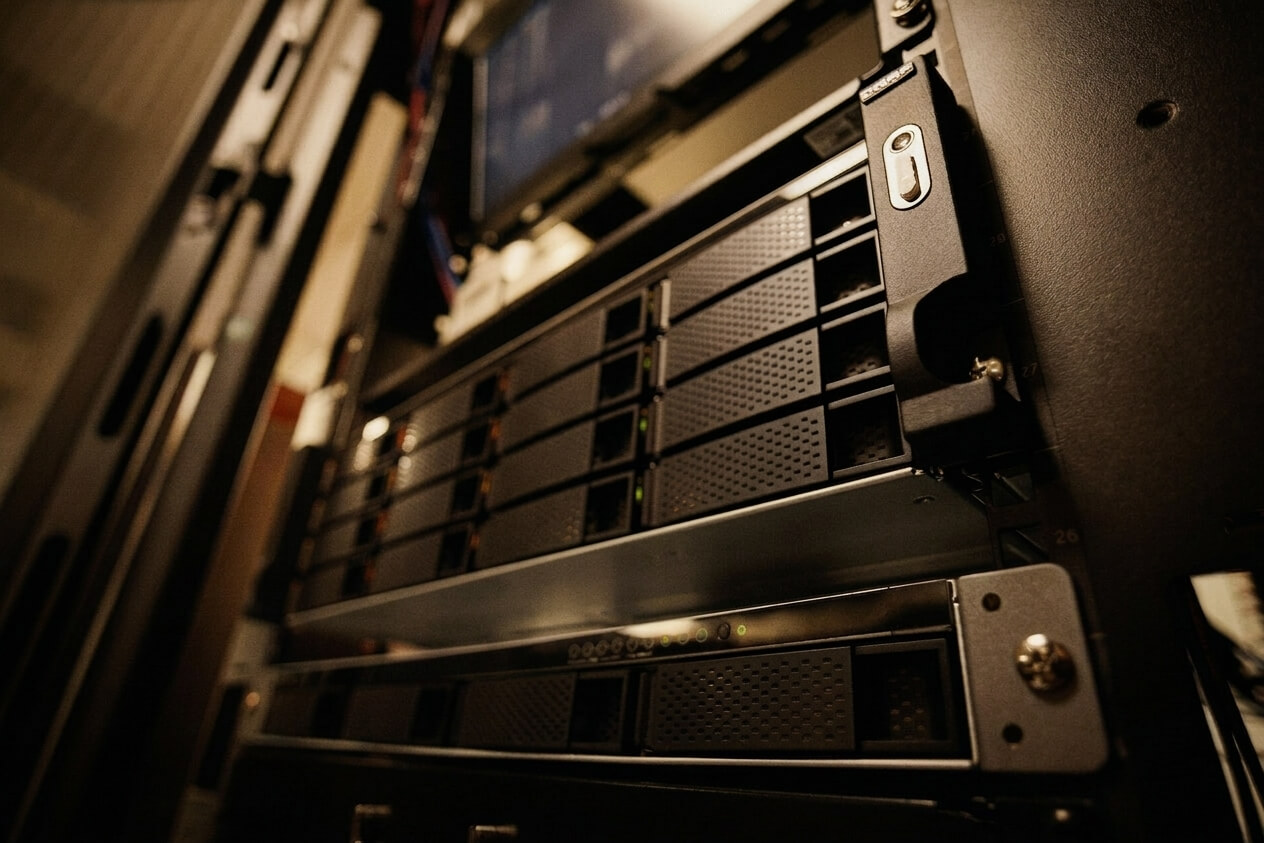
Local wins handily on speed, size, and budget. Network attached storage connected to a 10GbE network outperforms any average internet connection without breaking a sweat. There's bandwidth galore, enough to serve multiple video streams to multiple workstations at once, plus a real price advantage over cloud at the same capacity. It also puts segmentation and access control directly in a facility's hands.
Where local gets stretched is distribution. A remote editor can't log into an on-premises NAS the way they'd log into a cloud project without using a slow-moving VPN. Remote desktop tools like Jump Desktop or Parsec can help close the off-premises gap, letting someone connect into a workstation sitting at the facility from wherever they are geographically. The tradeoffs: the workstation is now spoken for, extending reach without adding capacity, and working via remote desktop can sometimes feel like editing while wearing mittens.
An interesting caveat to the argument against local storage is Strada, who is rethinking the way local storage can be accessed. Instead of a remote desktop session or VPN tunnel, it connects storage peer-to-peer, so a remote collaborator can browse and open media as though it were sitting on their own machine, with no cloud copy in between. It's clever tech that isn't quite ready for primetime due to some technicalities, but worth keeping an eye on.
What a Hybrid Media Storage Setup Looks Like
The core idea behind a hybrid setup is simple: keep OCF media local, and upload only proxies to the cloud. That split keeps on-site source media secure while being fiscally responsible about the amount of media hitting the cloud. Proxies run a fraction of the size of OCF media, so the cloud bill stays reasonable even on a large job, while the expensive part of the media pool, often the part under the tightest security obligations, never leaves the building. Final delivery and vendor exchange usually route through a separate transfer tool entirely, like MASV or Aspera, keeping that traffic off the production network. There are a few tricks to running a hybrid system smoothly.
Backups Start on Day One
Treating backups as something that happens one time, at the end of a project, is a habit that can jeopardize an entire production. The backup mentality should kick in during dailies (insert link) and run through all stages of the project through final archival. Sawtooth Post's network storage is built with RAID parity, supported by a duplicate local copy of all projects and media that's also backed up to the cloud. This tiered approach makes quick recovery possible in the event of a bad situation, and the redundancy helps stakeholders rest easy.
Why Archive and LTO Still Matter
LTO is the industry standard approach to media archival and is far cheaper per terabyte for long-term retention. Properly stored tape can survive decades, and because it's air-gapped, nothing on the internet can reach it. LTO should still be an active part of a production, studio, or agency's
archival process to safeguard creative assets for future use. The upfront investment in LTO hardware can be a limiting factor, but post-vendors like Sawtooth Post offer LTO archiving services without the need for owned hardware or expertise in the archival process.
Yes, depending on a project's security requirements. Solutions like LucidLink have tenure and have processes in place to adhere to strict security standards like those imposed by TPN and SOC 2 Type II.
Once a project has enough media that cloud costs start compounding or enough remote team members that pure local becomes a bottleneck. Keeping camera originals local and pushing only proxies to the cloud gets the cost benefits of local storage with the reach of the cloud.
VPNs like Tailscale are an option, but tend to be slow for editorial. Remote desktop tools like Jump Desktop or Parsec let an editor connect into a workstation at the facility from anywhere. Strada takes a different route, linking local and network drives peer to peer so a remote collaborator can open media directly, no cloud copy required.